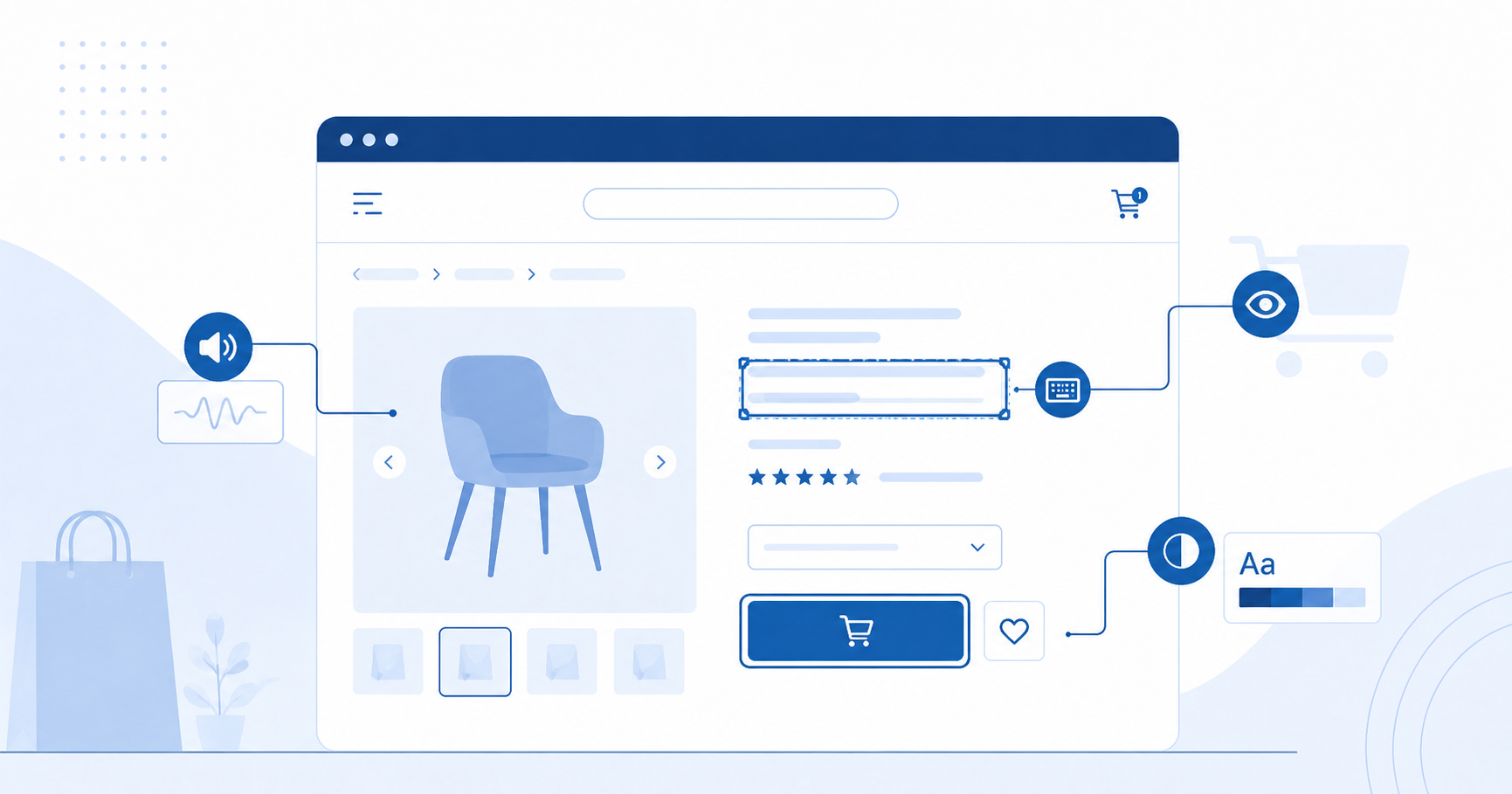
What an accessible e-shop means
An accessible e-shop is one that people with disabilities — visual, hearing, motor or cognitive — can use without obstacles. It is about far more than wheelchair users or the blind: accessibility also helps older users, people with temporary limitations (broken arm, eye surgery) or those shopping on a mobile phone on a sunny day.
An accessible e-shop also tends to be more usable for everyone — a clear structure, readable texts and working forms make shopping easier for all.
Which parts of the e-shop must be accessible
Your national legislation implementing the EAA imposes an obligation on the electronic commerce service — not just the homepage, but the entire customer journey. This includes:
- Searching and filtering products
- Product pages (description, images, price)
- Cart and adding products
- Order form
- Payment process
- User account (order history, settings)
- Customer support via the website
The homepage alone is not enough — if the cart is inaccessible, you are violating the law even with an otherwise exemplary homepage.
Most common e-shop issues
From automated checks, the most common issues are:
Alt texts for product images
Images without a text description are invisible to users with visual impairments (screen readers). Every product image needs a meaningful alt text — not just image001.jpg or an empty attribute on functional images.
Button contrast
An Add to cart button in a light colour may have insufficient colour contrast — WCAG 2.1 AA requires a minimum ratio of 4.5:1 for normal text. Poor contrast affects people with low vision, but also anyone in bad lighting.
Accessible filters
Filter panels (by category, price, brand) are a typical place where automated accessibility fails — unlabelled checkboxes, missing descriptions, non-functionality with a keyboard.
Order forms
Every form field must have a visible and programmatically associated label. Error messages must be announced to screen readers and clearly state what is wrong and how to fix it.
Accessibility information in terms and conditions
Your national legislation implementing the EAA imposes an obligation on e-shops to include information about how they meet accessibility requirements. This information belongs in the terms and conditions or another easily accessible location.
This is not an accessibility statement in the sense of public-sector legislation. The e-shop must inform customers how accessible it is — for example a link to audit results, a description of supported technologies, a contact point for reporting issues. We recommend verifying the specific form and scope with a lawyer.
How to check your e-shop
Automated checks detect approximately 30–50 % of WCAG 2.1 AA rules — especially technical issues such as missing alt texts, low contrast or missing form labels. It is a good first step.
The remaining rules require manual assessment: clarity of texts, navigation logic, behaviour with assistive technologies (screen readers, switch access). For legal compliance, a combination of automated scanning and manual audit is essential.
More guide articles
Frequently asked questions
- Do I need the entire e-shop to be accessible?
- The legislation applies to the electronic commerce service as a whole — especially the flows a customer goes through during a purchase. This includes searching, product pages, cart, checkout and payment. An accessible homepage alone is not enough.
- What is accessibility information in the terms and conditions?
- An obligation under your national EAA-implementing legislation to state how the e-shop meets accessibility requirements. This is not a formal public-sector accessibility statement — it is practical information for the customer. We recommend verifying the specific form with a lawyer.
- Is automated checking sufficient?
- Not as the only step. Automation catches approximately 30–50 % of the rules. The rest — clarity, navigation logic, behaviour with assistive technologies — requires a manual audit.
Want to test the accessibility of your website right now?
Run accessibility check